Messages and a manual log.
Requests arrived through WhatsApp. Secretaries recorded them in spreadsheets and calculated the next letter number by hand.
Letter Management & Business Travel
Two applications.
Built from daily work.
SPPD · 047
How the applications connect. Illustrated workflow with a sample letter reference.
My internship at Akualita initially focused on website development. While working with internal operations, I noticed that employees requested letters through WhatsApp. Secretaries recorded those requests in spreadsheets and calculated letter numbers manually.
I proposed a Letter Management application to bring that work into a single place. Building it also created a connection to another manual process: business travel, coordinated through Google Forms and WhatsApp.
Find the work happening between messages and spreadsheets.
Turn an operational problem into a product the team can use.
Build, present, and refine it with the people doing that work.
Letter Management brings employee requests, secretary approvals, automatic numbering, status tracking, and department management into one application.
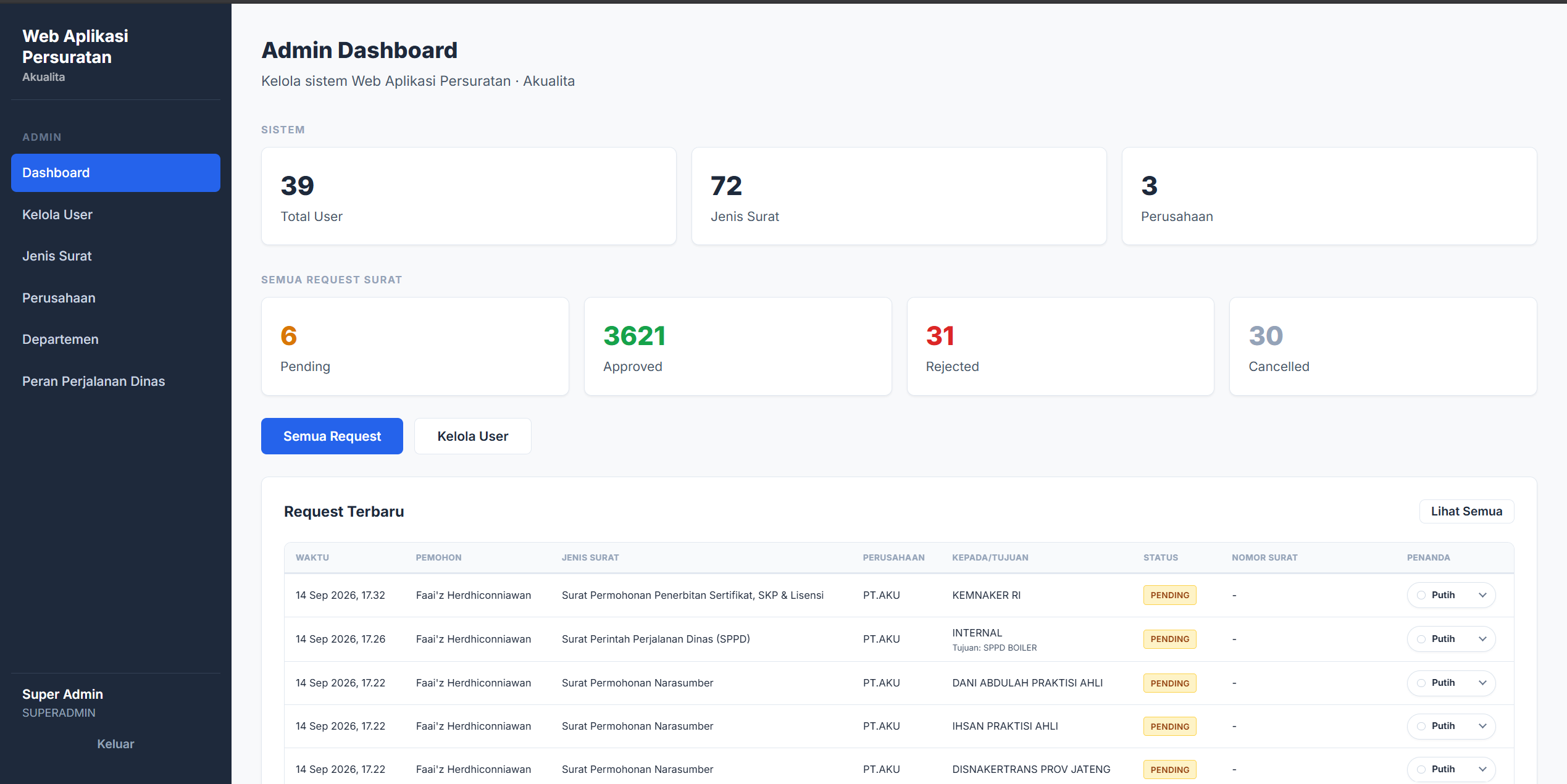
Requests arrived through WhatsApp. Secretaries recorded them in spreadsheets and calculated the next letter number by hand.
Employees submit and track requests directly. Secretaries review them in a centralized dashboard, with numbering handled by the system when a request is approved.
THE LETTER WORKFLOW
Choose the issuing company and letter type. Required fields adapt to the selected type.
Approve the request or reject it with a reason. Employees can follow its status.
Approval creates the official number. Rejected requests do not consume a number.
Number sequences are separate for each company, issuing division, and year. A cancelled number is not reused.
Business travel was previously handled manually through Google Forms and WhatsApp, involving the requester (PIC), Finance, SPV Finance, the GM, the cashier, and General Affairs.
I built a second application to bring requests, budgets, approvals, payments, and settlement into one workflow. The system calculates routine amounts, routes work by role, and checks completeness; the responsible people still make the decisions.
In testing with Finance · September 2026
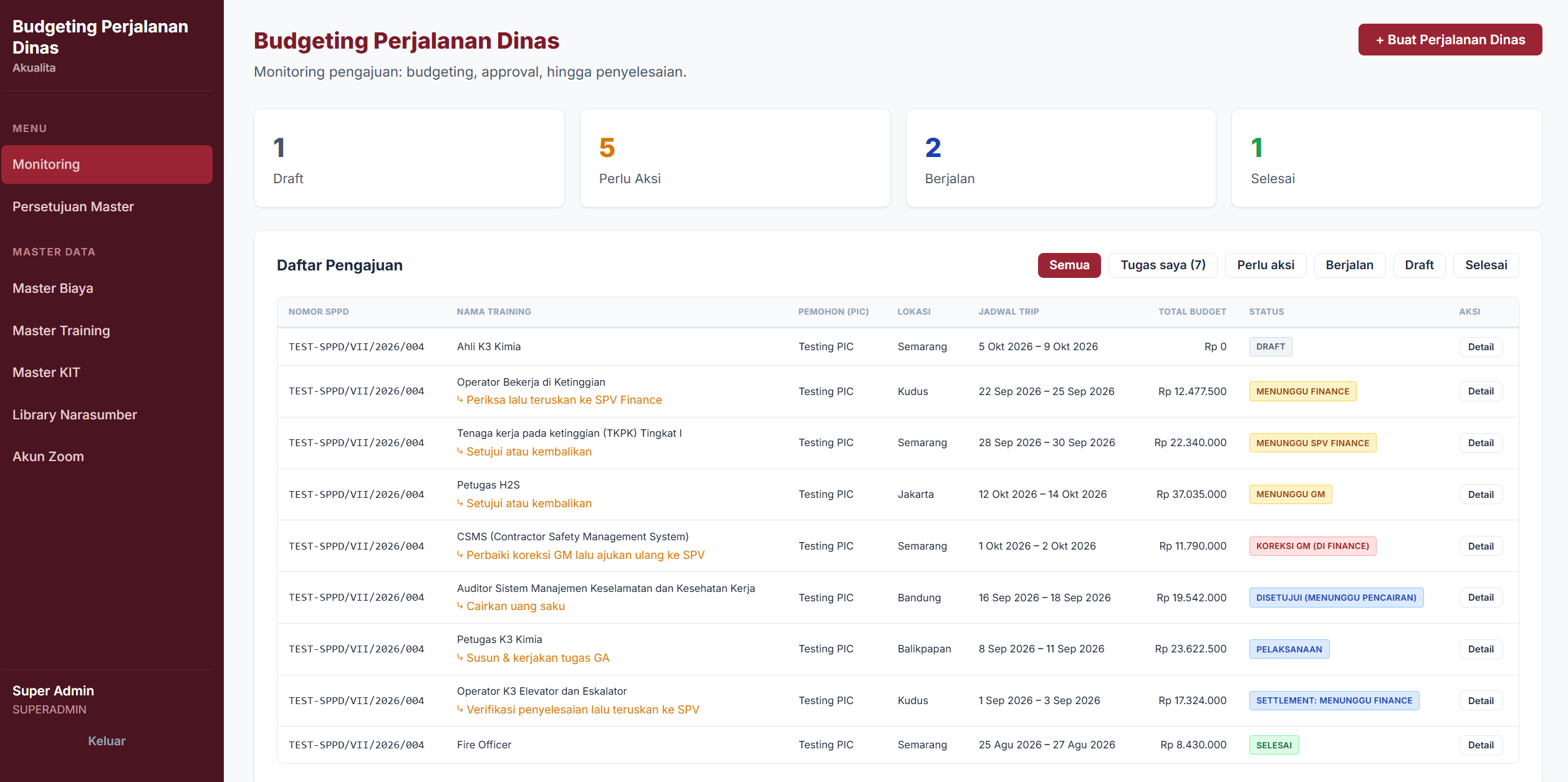
After the SPPD letter is approved, the travel application coordinates the work across six roles. Each stage makes the next responsibility visible.
The secretary approves the SPPD travel letter and its official number is issued. Its owner can then use it to start a travel request.
The requester describes the trip and selects what is needed. Finance prepares the budget, then SPV Finance and the General Manager review it.
The cashier disburses the approved personal allowance. General Affairs handles bookings, while actual expenses and supporting documents are recorded.
The requester submits actual expenses and supporting evidence. Finance, SPV Finance, and the GM review the settlement before the record is closed.
An approval flow needs to handle the moment something comes back. Corrections from SPV Finance or the GM return to Finance, then go through SPV Finance and the GM again.
Each budget decision records who acted, their note, and the total at that moment. Changes between reviews remain visible.
Interactive walkthrough / budget approval
Current step
Prepare & correct
Acting roleReview & return
—Final approval
—Step 01In review
The requester provides the trip details and a checklist of needs. Finance checks the request, completes the budget, and sends it for review.
Standard review. Step 1 of 4. Finance: Needs become a budget.
A simplified view of the budget flow. Each decision leaves a record of who acted, when, and which budget they reviewed.
The initial design offset approved out-of-pocket expenses against the unused allowance. Finance asked for separate records to fit its bookkeeping. I revised the workflow around that requirement.
Illustrative amounts only. An approved claim does not reduce the allowance balance that must be returned.
Master prices can update open budgets until GM approval. Entries explicitly marked as manually priced are excluded from master-price updates. Once approved, that budget is locked, while the decision history keeps the amounts seen by each reviewer.
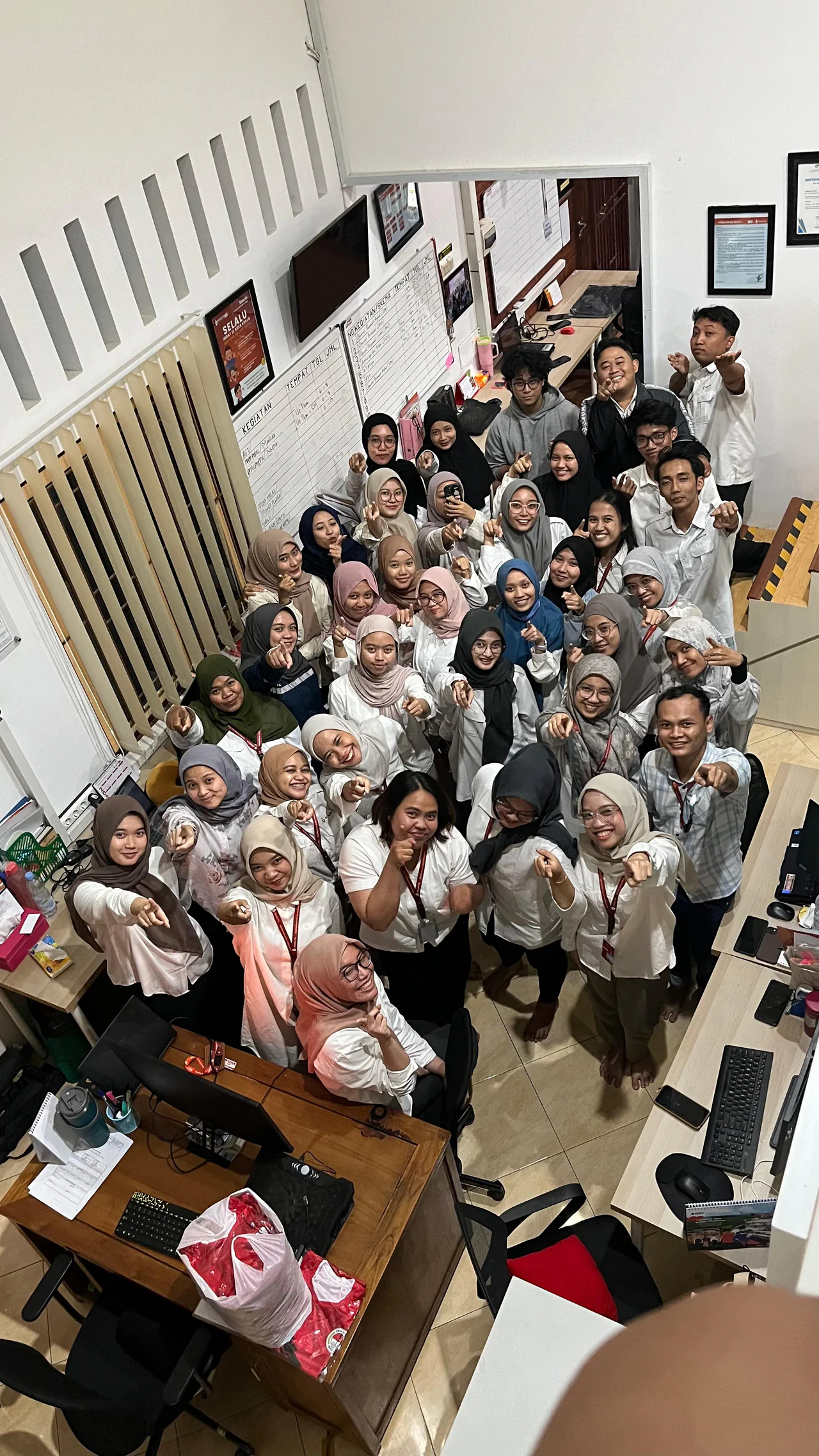
As the sole developer, I handled product discovery, requirements, system design, full-stack development, deployment, and maintenance. I carried the letter system from an idea I proposed into an application the team could use.
I presented the letter system directly to the director and the people who would use it daily, incorporating their feedback. For Business Travel, discussions and role-by-role testing with Finance shaped the approval and settlement rules.
Observe the manual process, gather requirements, and propose the solution.
Design the system, implement both applications, and handle deployment.
Present to stakeholders, test by role, incorporate feedback, and maintain the product.
Employees can submit and follow requests in the application. Secretaries manage approvals from one dashboard and no longer calculate letter numbers manually.